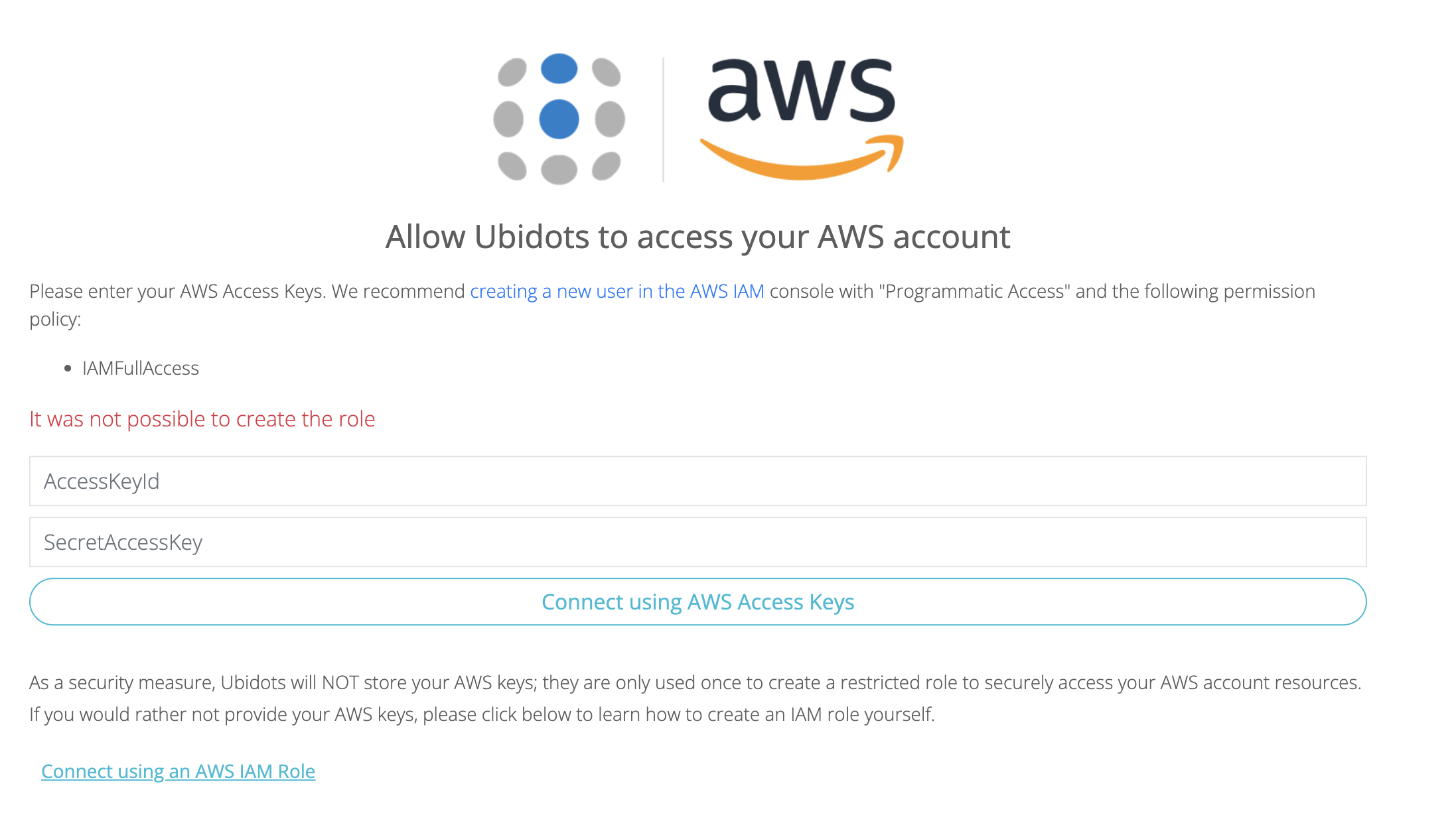
When I try connecting aws to ubidots using the acceskeyid and secretkey, Ubidots says it was not possible to create the role.
Hello @pranavsenthil5,
This error is technically an AWS permission error being reported back to you by Ubidots.
When you provide an AccessKeyID and SecretKey to Ubidots, the Ubidots plugin attempts to use those credentials to reach into your AWS account and automatically create a specialized IAM Role (usually named with the prefix Ubidots_). If the IAM User associated with those keys doesn’t have the “permission to give permissions,” the process fails.
Why this is happening?
The IAM User you created in AWS likely has some permissions, but it lacks the specific rights to manage other IAM resources. For Ubidots to set up the connection automatically, your IAM User needs a policy that allows it to:
- Create a role.
- Attach a policy to that role.
- Get role information to verify it.
How to solve it?
You will need to grant the necessary permissions. Go to your AWS Console → IAM → Users, select your user, and attach an “Inline Policy” or a “Customer Managed Policy” with the following JSON:
{
    "Version": "2012-10-17",
    "Statement": [
        {
            "Effect": "Allow",
            "Action": [
                "iam:CreateRole",
                "iam:GetRole",
                "iam:PutRolePolicy",
                "iam:ListRolePolicies"
            ],
            "Resource": "arn:aws:iam::YOUR_ACCOUNT_ID:role/Ubidots*"
        }
    ]
}
Replace YOUR_ACCOUNT_ID with your actual 12-digit AWS Account ID.
Follow our guide to get more details about the policy creation.
Best regards,
Alejandro