I usually set the variable date range to cover the length of my process + a couple of days and this is typically 3 to 4 weeks long. I have been doing this for years now and select Custom Range then calendar icon and select start date and then finish date, then Update. This always works but now selecting a 3 week time period of today 00:00 to today+21 days 23:59 and Update it selects only Today 00:00 to today +1 day 23:59.
I Can’t understand why this is now occurring, pleas can you assist?
I have tried Google Chrome and MS Edge browsers and both respond in the same way.
Hello @JeffPinter2, are you attempting to set the custom range in the variable view or within a dashboard widget?
Hi Alejandro, Thank you for responding.
I’m confused as I believe I go from widget view to variable view to set the dates and times.
I start here:-
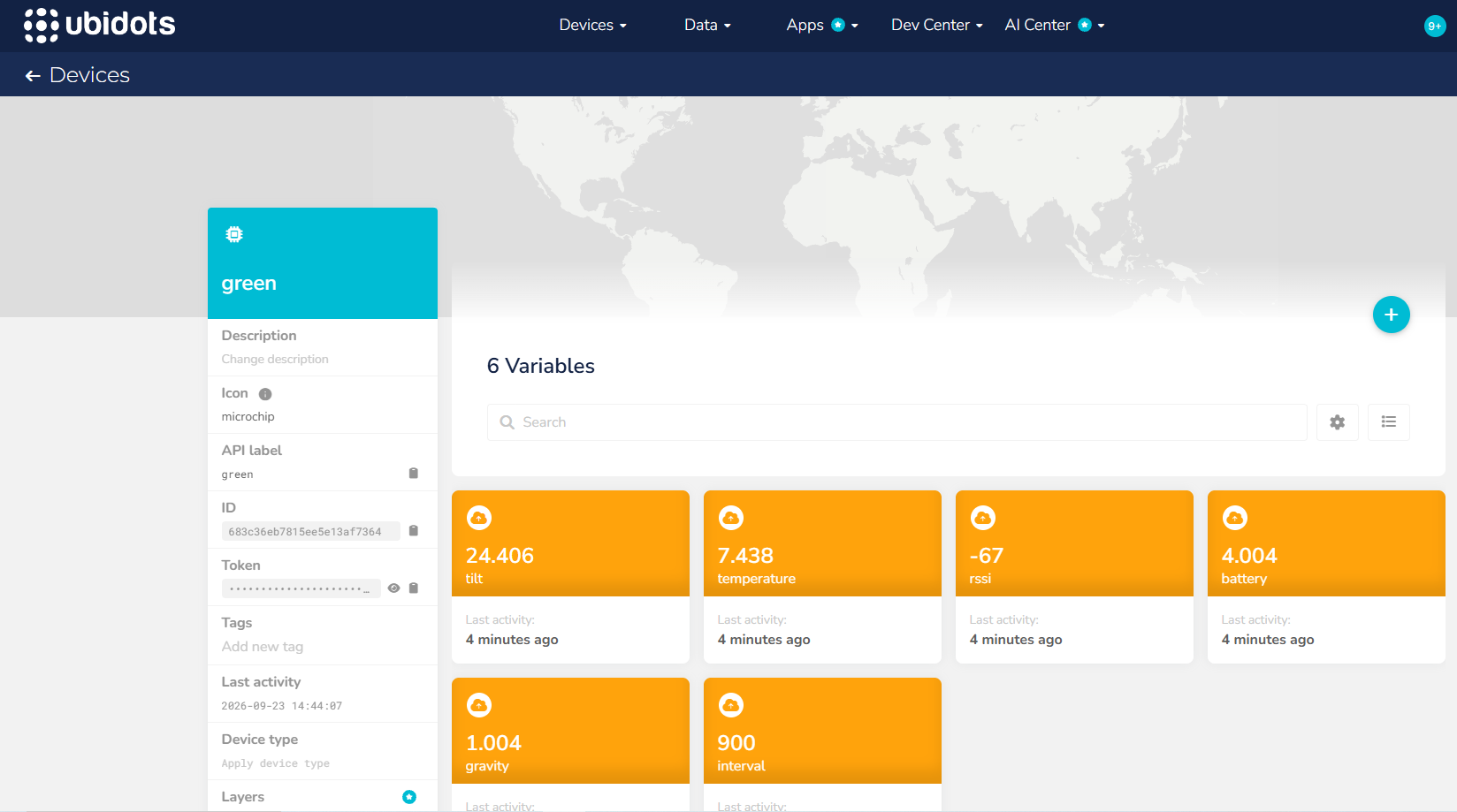
and then I select the variable required and then change dates and times here:-
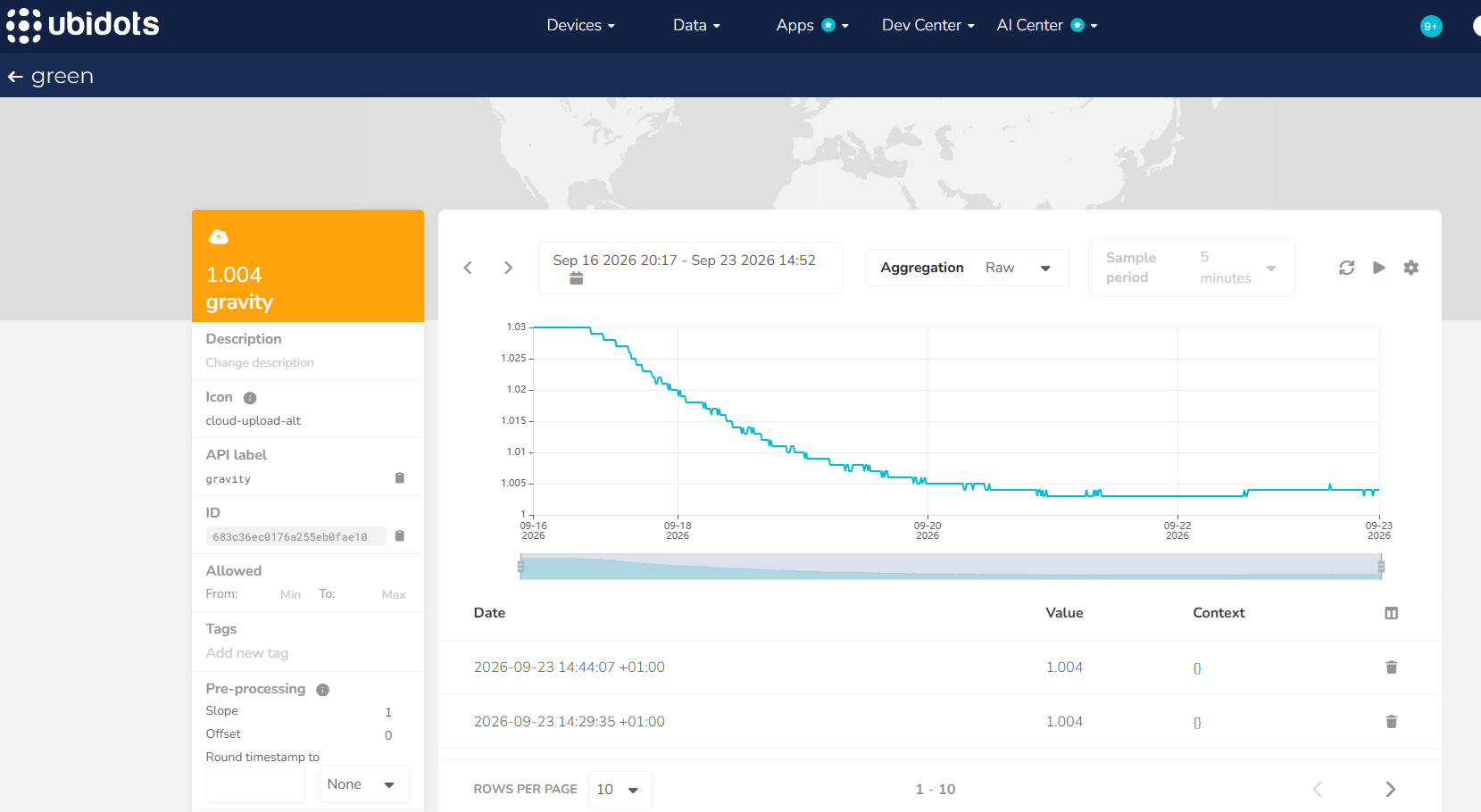
I hope this helps.
Best Regards, Jeff
Could you please clarify the purpose of your operation? Are you sending data with a timestamp set 3 to 4 weeks in the future?
I am basically monitoring a beer brewing process , which takes around 2 to 4 weeks to complete. I monitor 6 variables using an iSpindel device which which transmits the data to Ibidots. I simply require all the data to be monitored from the start date/time to the finish date/time. This has always worked for the last 3 years perfectly. Is there a problem at you end? Or is it something at my end?
Regards, Jeff
No. I am receiving current information from a device that is monitoring the current values from a process that will last approximately 3 or 4 weeks. So I set my time range to include just that period of time.
Regards,
Jeff
Hi Alejandro, You’ve gone very quiet ! Is there anymore information that you require?
Please let me know.
Regards Jeff.
Ok @JeffPinter2 I understand your process; however, it is still unclear to me why you would like to view data for a date range that includes future days, especially if you are only sending current data and not data with future timestamps.
For example, why would you prefer to display a date range such as Today 00:00 to October 28th 23:59, when you could show the same data using a range like September 1st 00:00 to Now?
Hi Alejandro, In the past I set the custom date range for all the 6 variables I wish to monitor. Whenever I return to look at the values reported they all appear within the same date range, no refresh or enable realtime required. Now when I return to view the values I get this:-
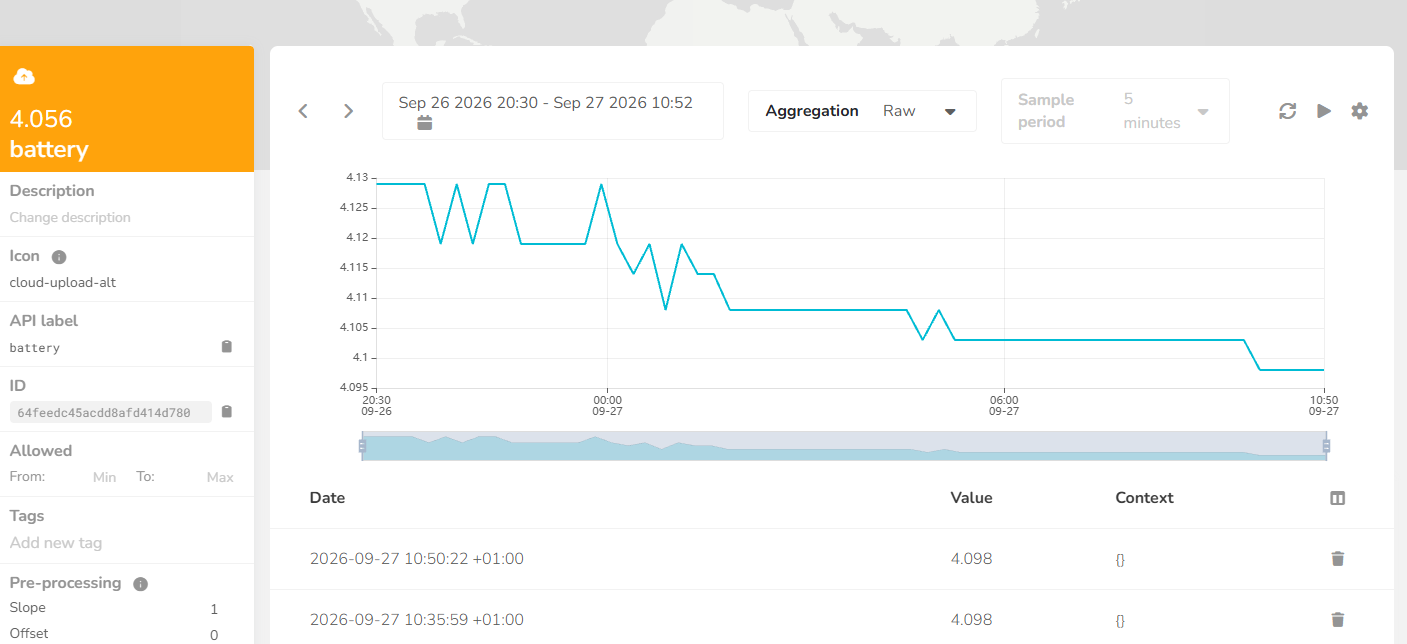
The end date is when I last viewed that variable so now I have to go through all the variables and refresh or re-enable realtime which isn’t how it used to be.
Why is this? There is no point showing the dropdown calendar with forward date and then not allowing users to select them. Please help.
Regards Jeff.
I would prefer it worked as you mentioned, but it doesn’t.
Hello @JeffPinter2
I understand your point and agree that we should not display the calendar with any future dates simply because previous updates limited some future requests. I will discuss this with the development team to correct the UI accordingly.
The reason you see the initial date range without real-time enabled after setting a manual interval on a variable, switching to another module, and then returning to the variable is due to the same behavior: when you set a fixed interval that does not include the current time (Now), that fixed interval remains until you change it again. The only way to always have real-time enabled is to set a date range, for example, from September 1st 00:00 to Now, where “Now” will always display the current time.