



Benefits

Set up alerts that notify your team automatically when something needs attention — via email, SMS, voice call, or Slack. Catch anomalies automatically.

Whether it's a sensor threshold, a silent device, a scheduled task, or an asset leaving a geofence, Ubidots Events covers the full range of triggers that IoT operations depend on.

Events don't just notify — they act. Set variables, trigger webhooks, or fire off cloud functions in response to your data, turning passive monitoring into active, automated control of your operation.

Global events let you apply the same rules across your entire device fleet at once, so you don't have to configure alerts device by device as your operation grows.


See It in Action


How it Works
Ubidots Events lets you define exactly when and how your system reacts to your data — so the right people and systems are notified or activated the moment conditions are met.




Key Features

Run custom logic, process real-time data, and trigger actions in the cloud with serverless functions that simplify complex workflows.
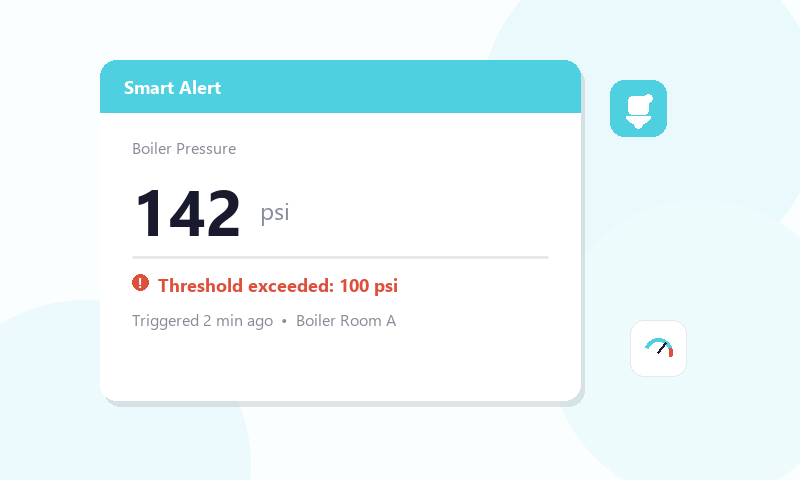
Trigger events when a sensor value exceeds, drops below, or equals a defined limit.

Automatically alert your team when a device stops sending data for a set period.
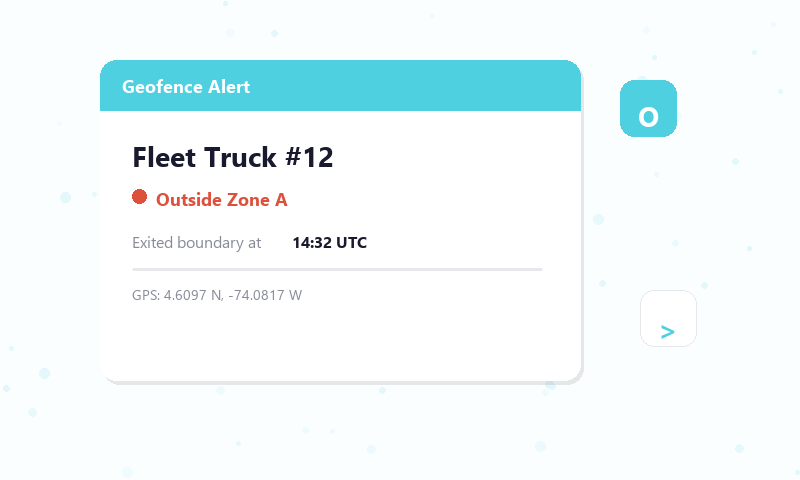
Fire events when an asset enters or exits a defined geographic boundary.
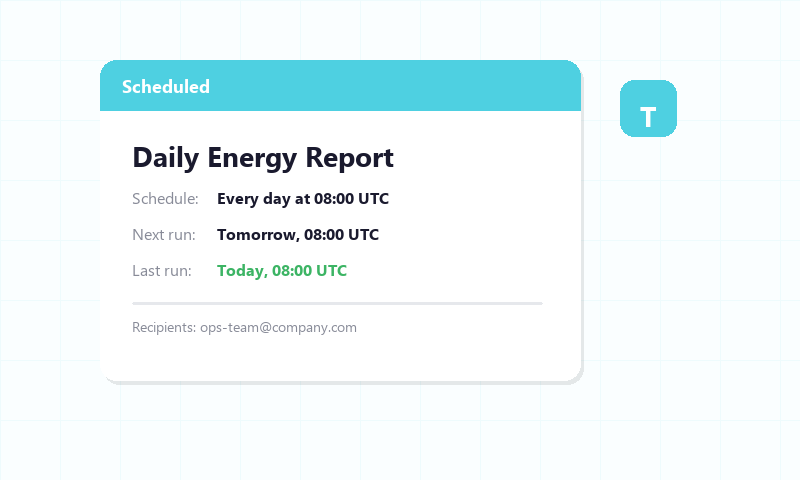
Set time-based rules to run on a fixed schedule — hourly, daily, or at a custom cron interval.

Deliver alerts via email, SMS, voice call, Slack, or webhook to reach the right person instantly.

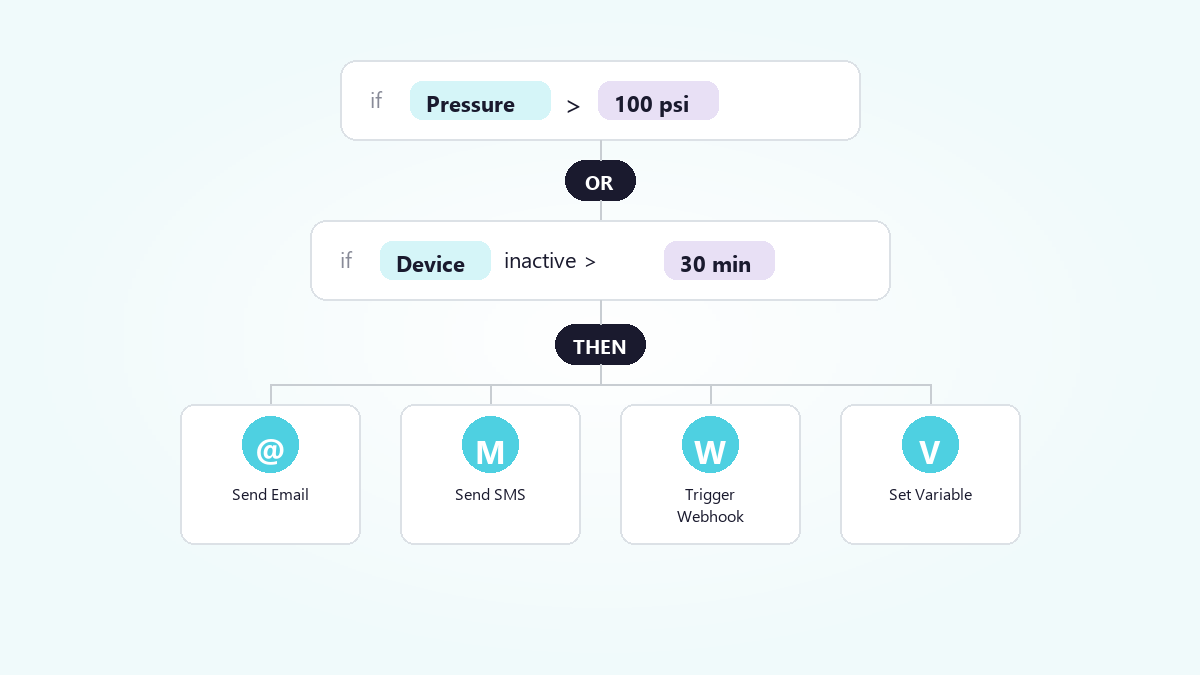
Combine multiple conditions with logical operators to define precisely when an event should fire.

Monitor thousands of devices with a single rule — apply one event across an entire device group using a shared variable label.
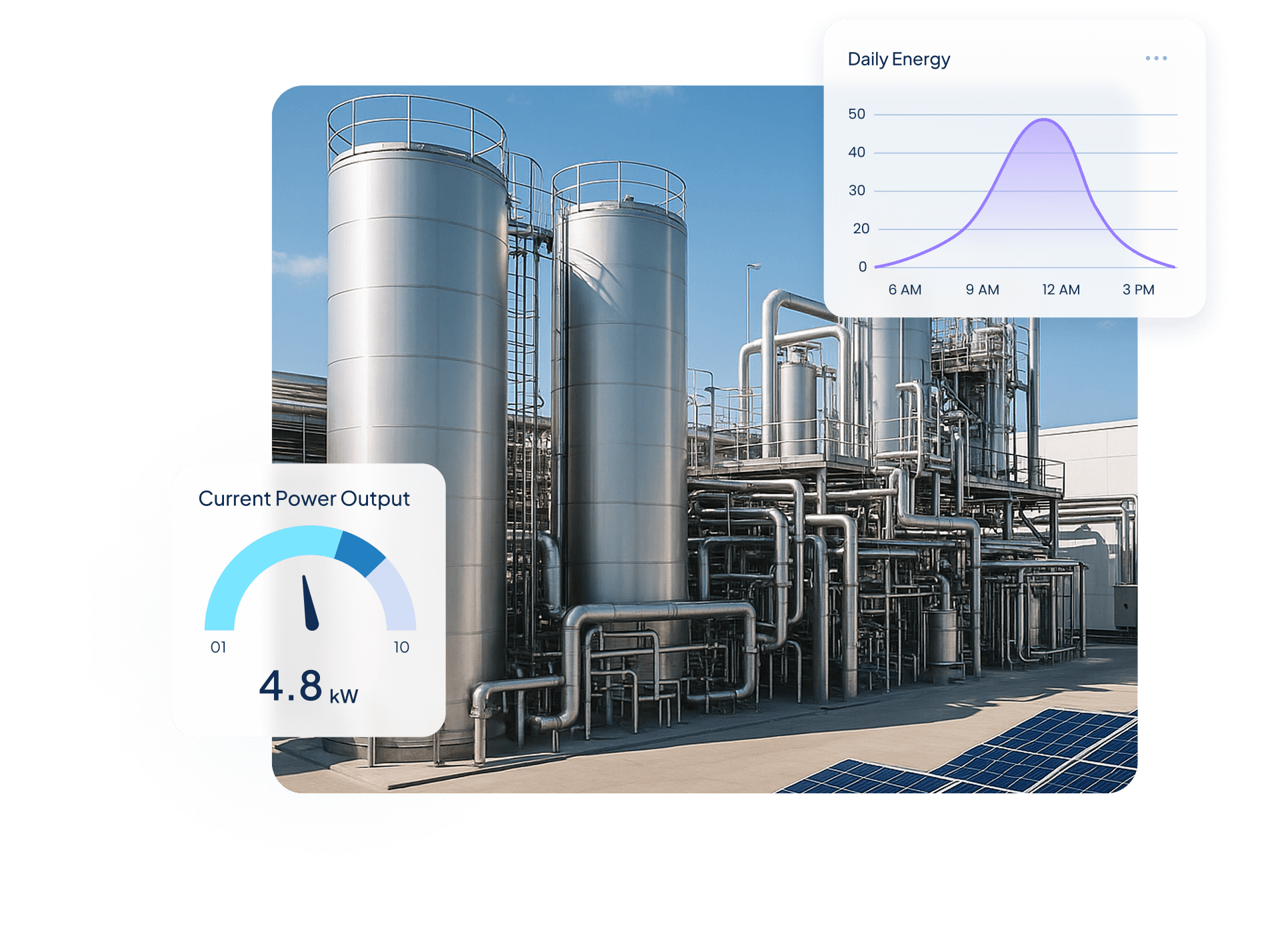
Quantify Environmental uses wireless IoT sensors and Ubidots dashboards to turn utility data into real-time insights, helping industrial clients monitor water, energy, and gas use, detect inefficiencies, and act before costs rise.

$250,000+ in annual client savings through optimized water, electricity, and gas consumption.
Millions of liters of fresh water conserved and tons of CO₂ emissions prevented driving measurable sustainability outcomes.
Improved operational oversight with real-time visibility into utility usage and equipment performance.
Success Story


Use Cases


Steve Barker
Founder & CEO
Prospect Control uses Ubidots to deliver remote tank level monitoring for industrial customers, replacing complex PLC/SCADA setups with a scalable, web-based IoT solution.
Results:

Darryl Schembri
General Manager
AIS Technology uses Ubidots to monitor electricity, water, and gas consumption across multi-tenant buildings, enabling real-time visibility, automated billing, and faster response to inefficiencies.
Results:

Onofre Tamargo
CEO & Cofounder
S4IoT uses Ubidots to remotely monitor irrigation systems in urban gardens, helping clients reduce maintenance costs, prevent plant loss, and shift from manual operations to a scalable subscription-based model.
Results:


Help & Support
Have questions about Ubidots? Here are some ofthe most common queries to help you get started.

Ubidots Events support four trigger types: value-based thresholds (when a variable exceeds, drops below, or equals a limit), device inactivity (when a device stops sending data for a set period), geofence (when an asset enters or exits a defined geographic boundary), and scheduled (time-based rules on hourly, daily, or custom cron intervals). Multiple conditions can be combined using AND/OR logic for precision.
Beyond sending alerts, Ubidots Events can take direct control actions. Notification options include email, SMS, voice call, Slack, and webhook. On the control side, events can set a device variable to a specific value or trigger a UbiFunction to run custom serverless logic — enabling fully automated responses to your IoT data without manual intervention.
A Global Event applies a single rule across your entire device fleet using a shared variable label — instead of configuring alerts device by device. This makes it ideal for large deployments where the same condition needs monitoring across hundreds of devices at once. Global Events are available on Industrial and Enterprise plans.
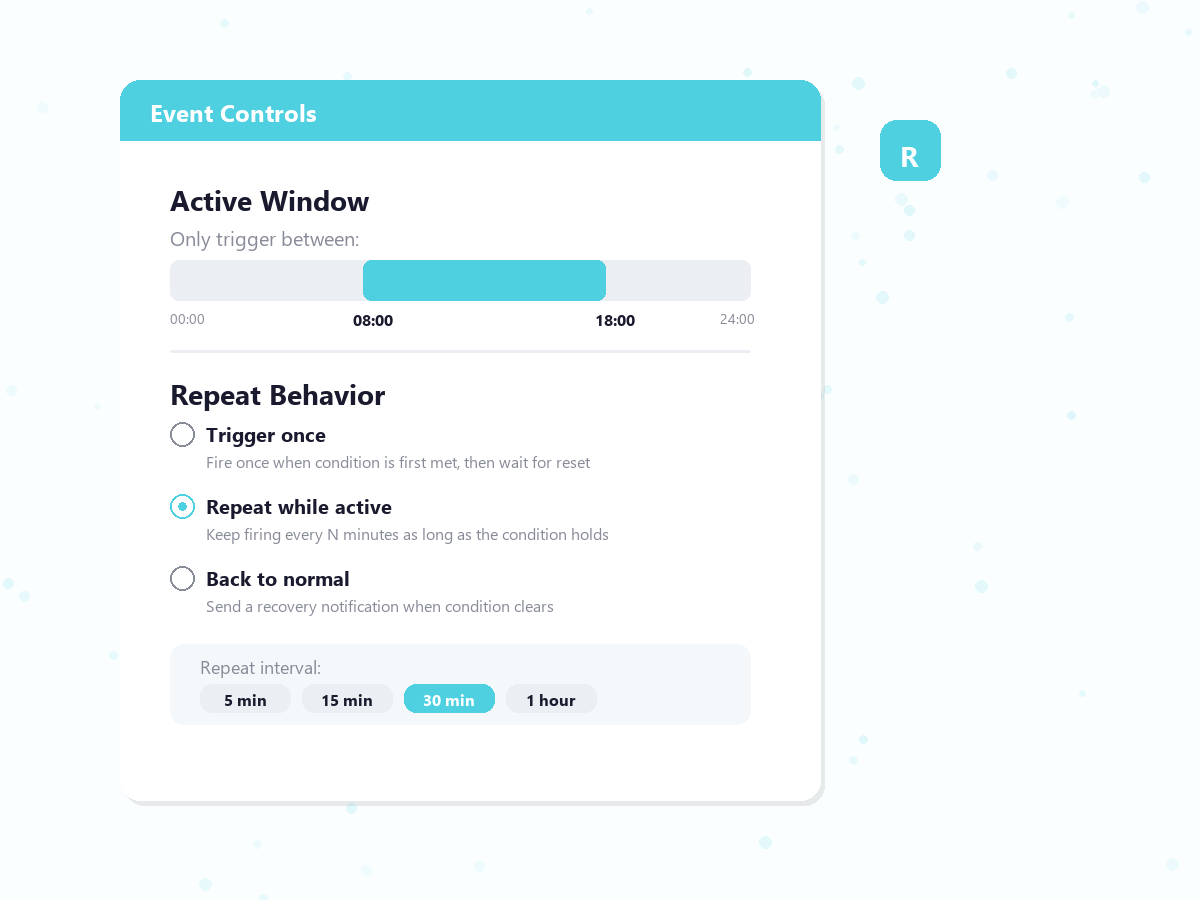
Yes. Active windows let you define the time periods during which an event is allowed to trigger — useful for suppressing alerts outside business hours. By default, an event requires conditions to reset before it can fire again. Enabling the repeat action overrides this, keeping the event firing continuously for as long as conditions persist.