

Benefits

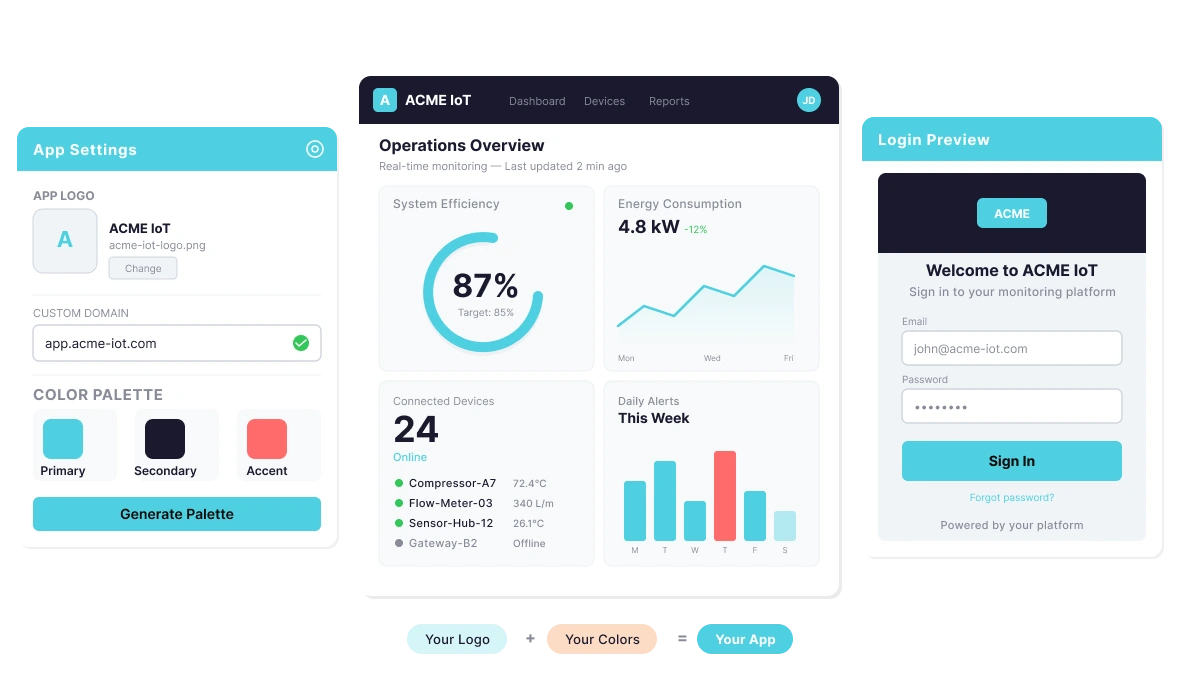
Replace Ubidots branding with your own logo, favicon, colors, and domain for a fully proprietary experience.

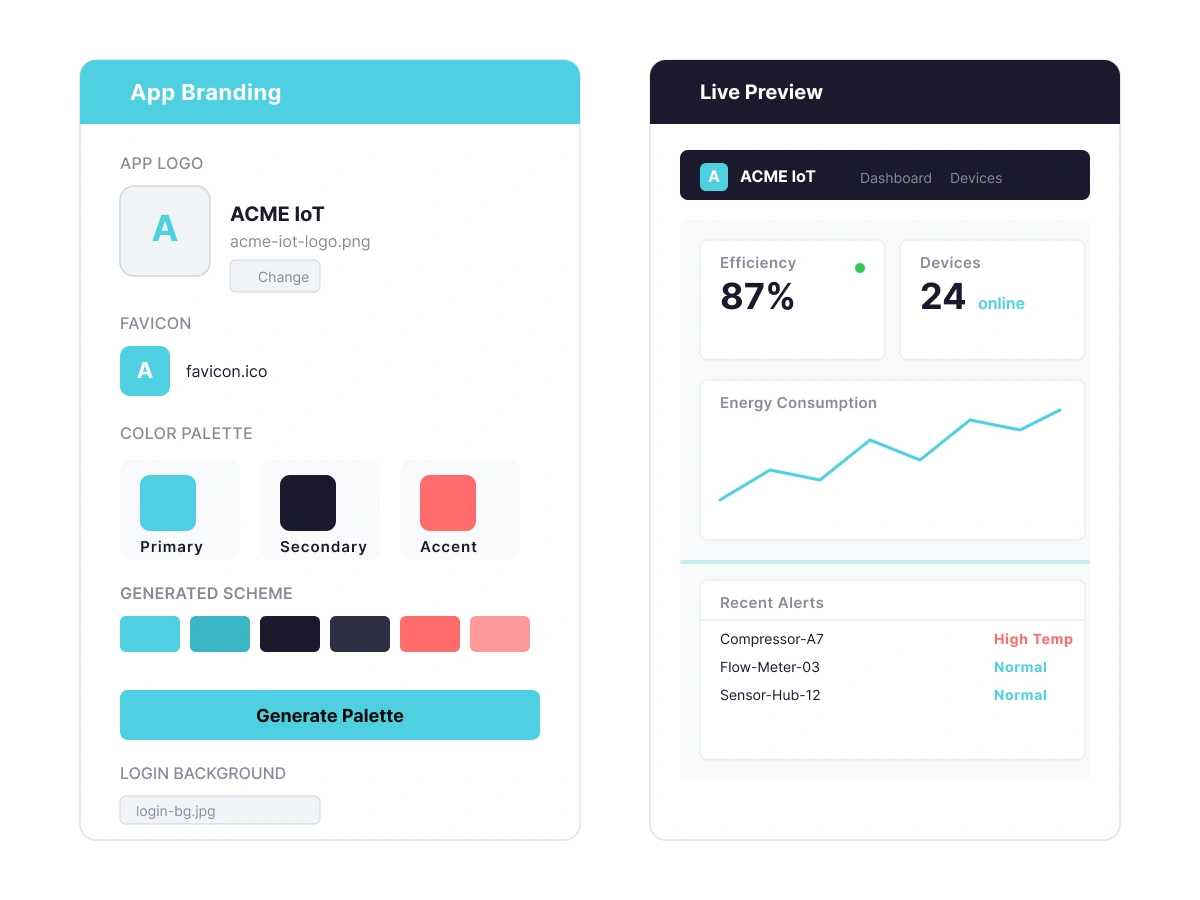
Generate coordinated color schemes across headers, buttons, and navigation with a built-in palette tool.

Create separate apps for different clients, each with its own branding, domain, and user base.

Show or hide platform features per app, giving end-users exactly the experience they need—nothing more.

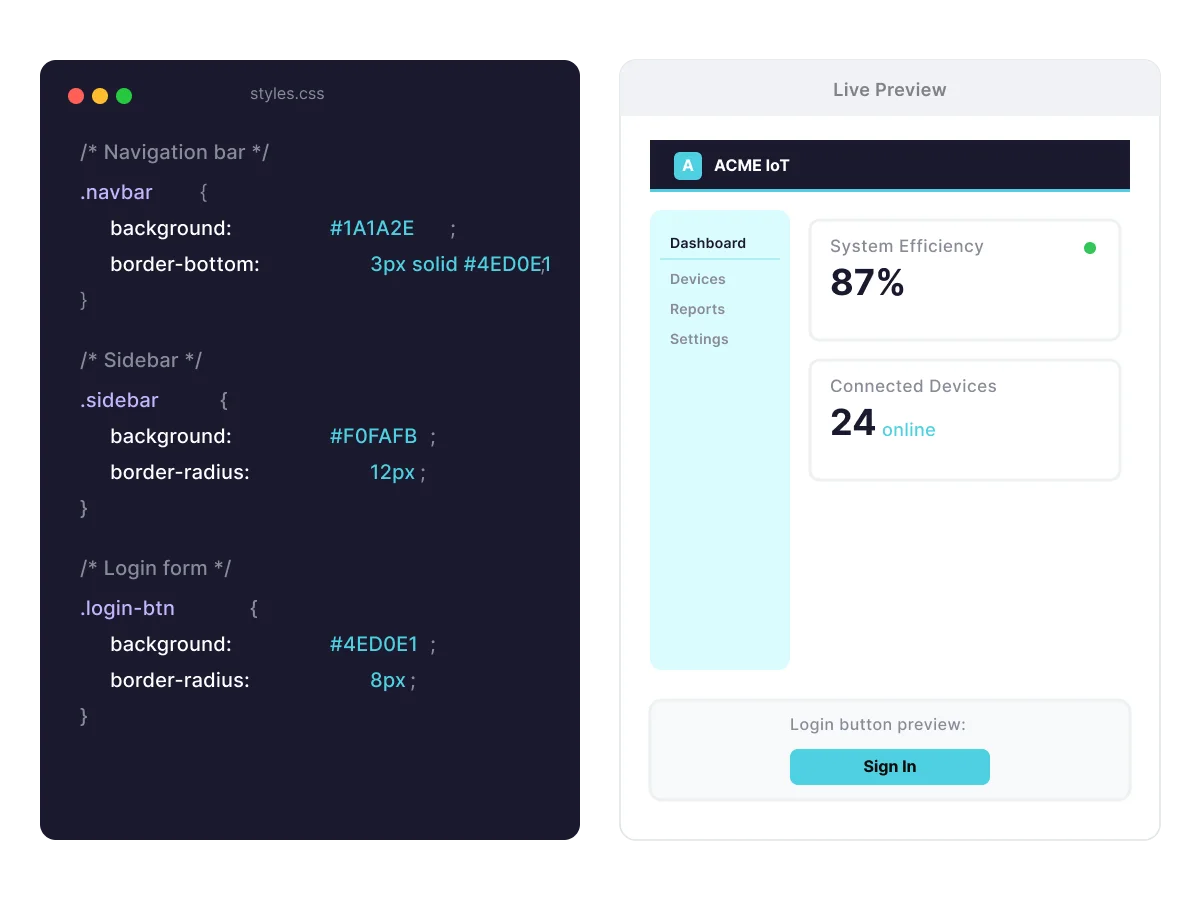
Go beyond preset branding with custom CSS that targets specific components across your entire application.

Personalize the login page with your background, logos, and styling to reinforce brand identity from the first interaction.

See It in Action

How it Works
App Builder gives you the tools to shape every layer of your IoT application—from the login screen to the navigation structure. Build for your brand, your clients, and your users without leaving Ubidots.
Upload your logo, favicon, and login background, then select three base colors and let the palette tool generate a coordinated scheme across your entire application. Changes preview live before you save.

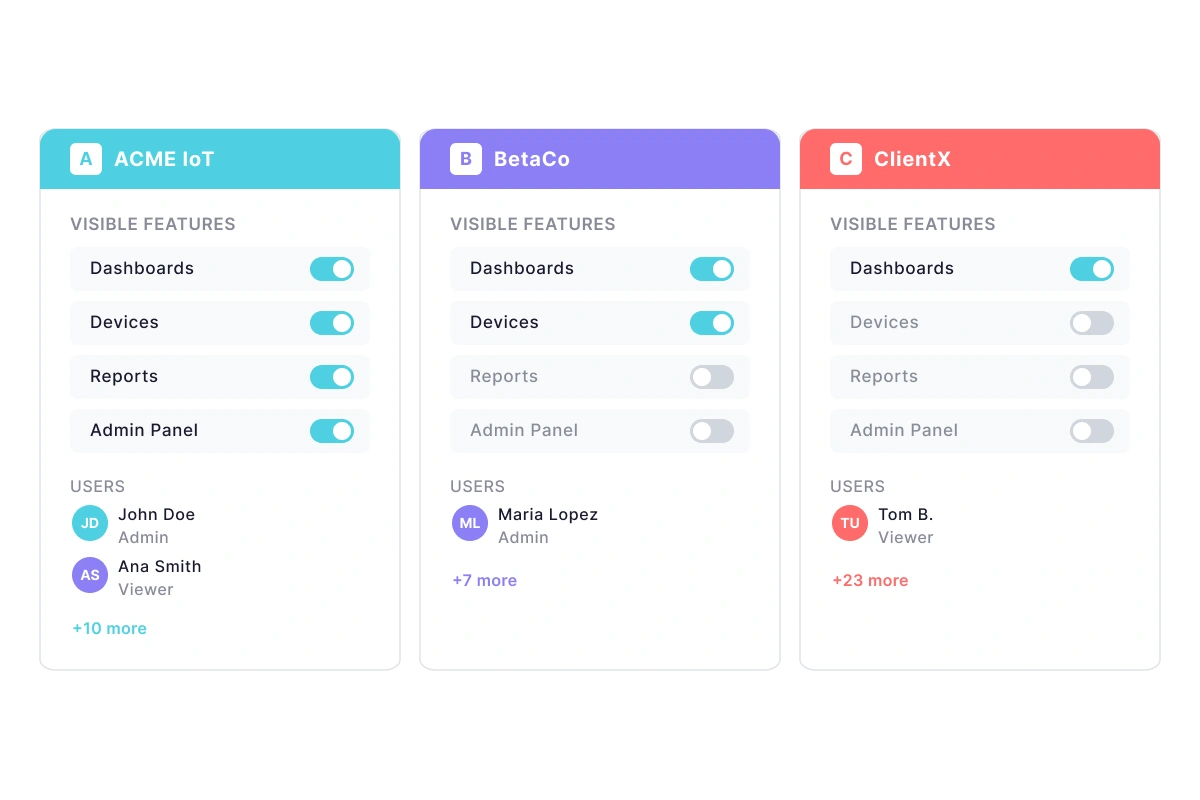
Define multiple apps with distinct branding and features for different clients. Assign roles and permissions to determine exactly which dashboards, devices, and platform functions each user can access.
For pixel-perfect control, apply app-wide CSS stylesheets that target specific UI components—tables, sidebars, navigation bars, login forms, and more. Reinforce brand identity consistently across every page.

Key Features
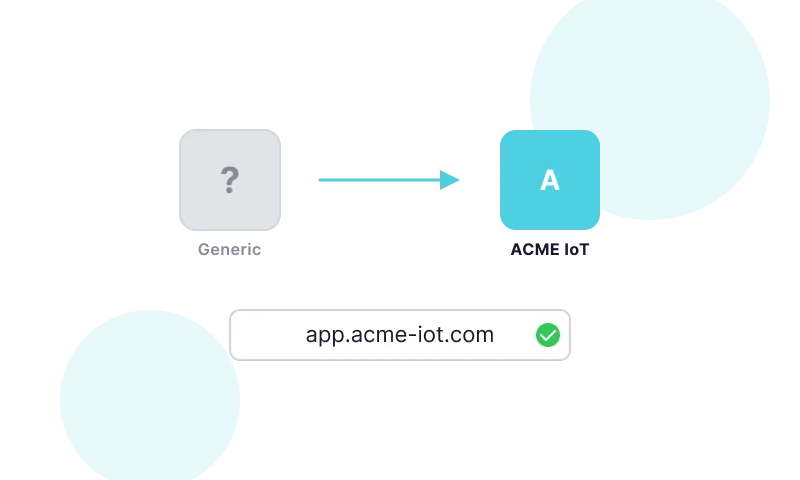
Replace Ubidots branding with your logo, custom domain, and email sender for a fully proprietary app.
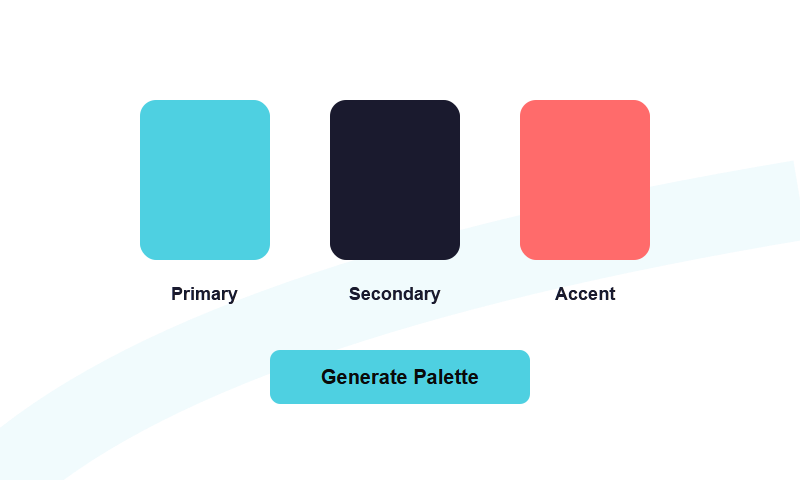
Create a coordinated color scheme across all UI components from three base color selections.
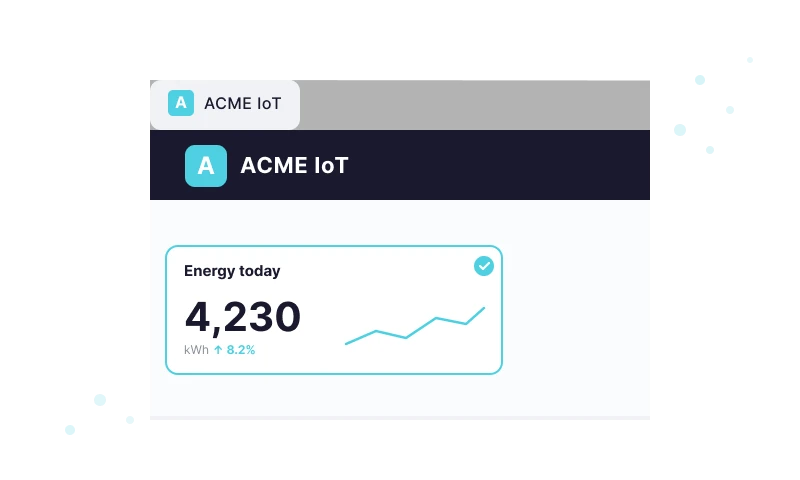
Upload custom logos for the header, login screen, loader, and browser tab.
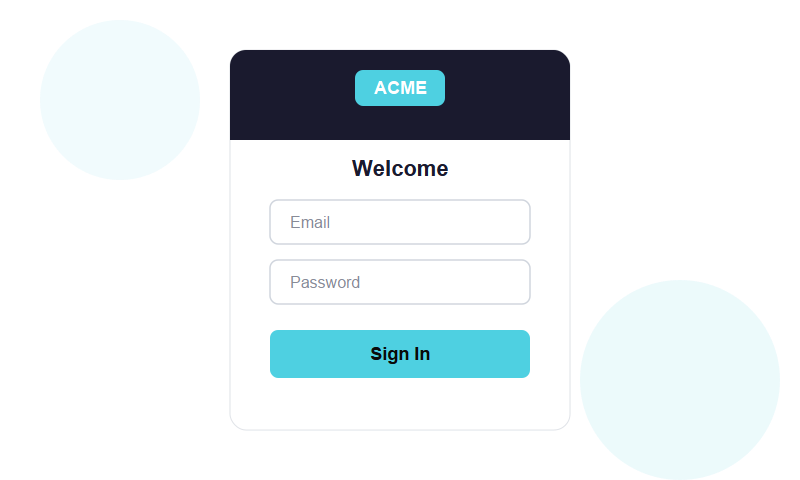
Customize the login background, form, and messaging to reflect your brand from the first interaction.
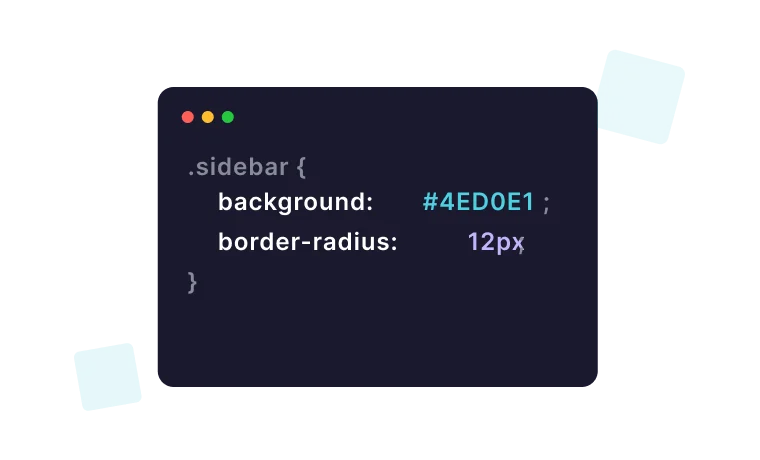
Apply CSS stylesheets to target any supported UI component across your entire application.
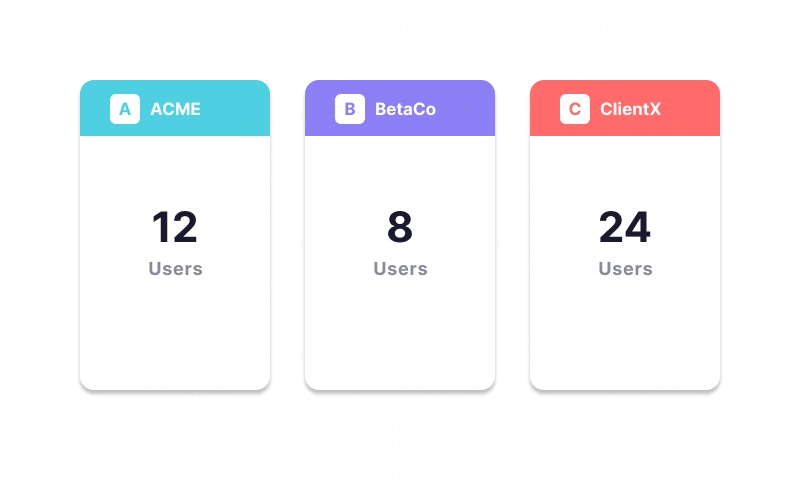
Deploy separate branded apps for different clients from a single Ubidots license.
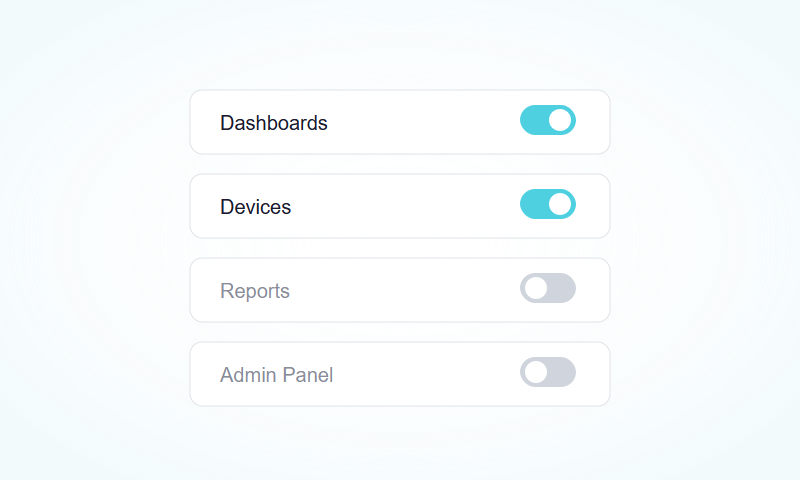
Show or hide platform features per app to deliver a tailored experience for each user group.

Map your own domain to your Ubidots app for a fully white-labeled web address.
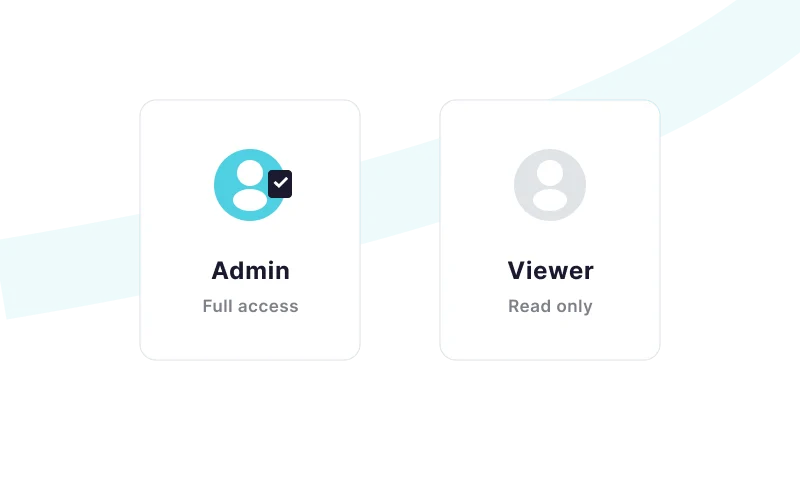
Define user roles and permissions to control what each user can view and interact with.
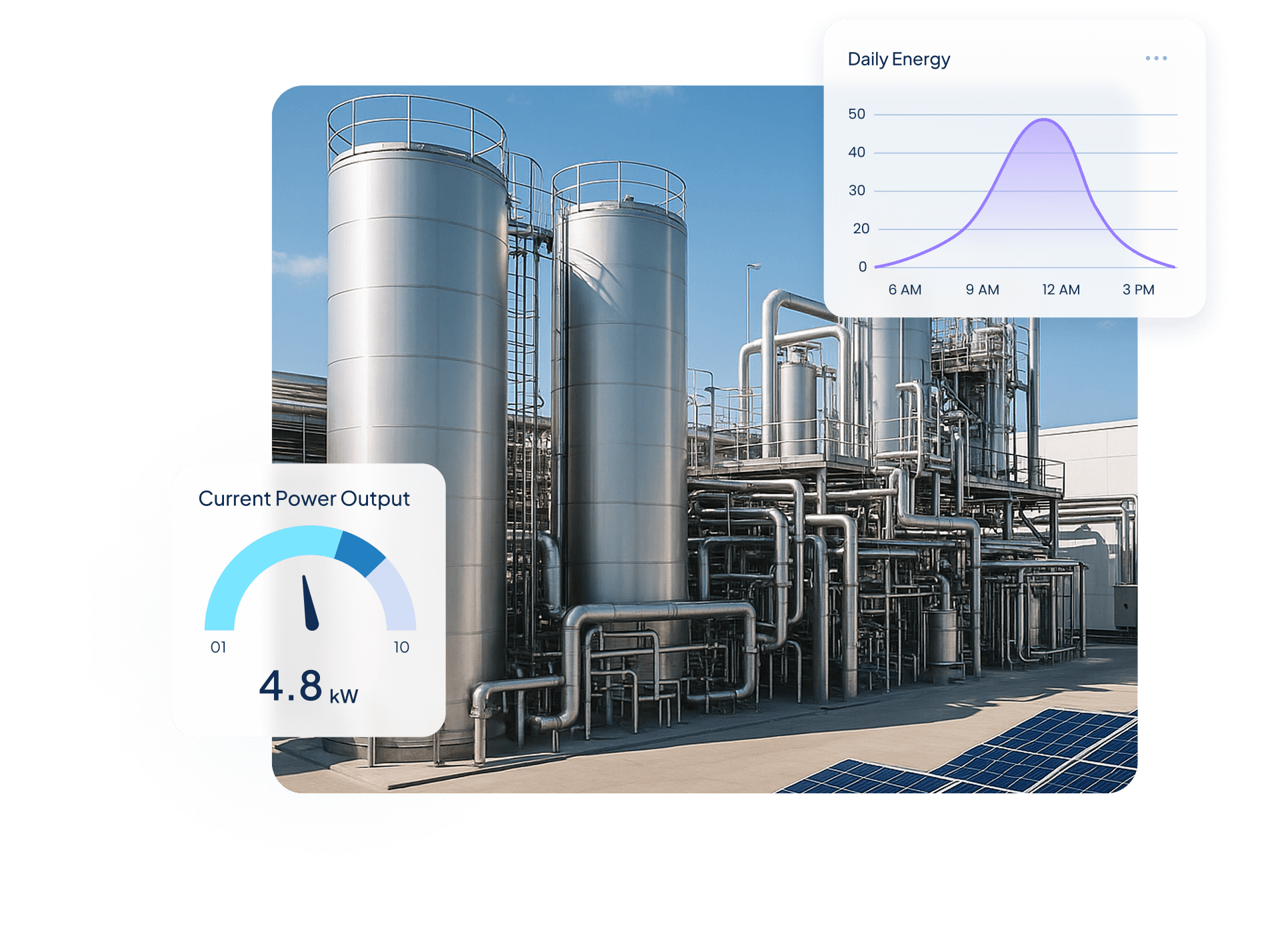
Quantify Environmental uses wireless IoT sensors and Ubidots dashboards to turn utility data into real-time insights, helping industrial clients monitor water, energy, and gas use, detect inefficiencies, and act before costs rise.

$250,000+ in annual client savings through optimized water, electricity, and gas consumption.
Millions of liters of fresh water conserved and tons of CO₂ emissions prevented driving measurable sustainability outcomes.
Improved operational oversight with real-time visibility into utility usage and equipment performance.
Success Story


Use Cases


Steve Barker
Founder & CEO
Prospect Control uses Ubidots to deliver remote tank level monitoring for industrial customers, replacing complex PLC/SCADA setups with a scalable, web-based IoT solution.
Results:


Darryl Schembri
General Manager
AIS Technology uses Ubidots to monitor electricity, water, and gas consumption across multi-tenant buildings, enabling real-time visibility, automated billing, and faster response to inefficiencies.
Results:

Onofre Tamargo
CEO & Cofounder
S4IoT uses Ubidots to remotely monitor irrigation systems in urban gardens, helping clients reduce maintenance costs, prevent plant loss, and shift from manual operations to a scalable subscription-based model.
Results:


Help & Support
Have questions about Ubidots? Here are some ofthe most common queries to help you get started.

App Builder lets you customize every visible aspect of your Ubidots application: upload logos for the header, login screen, loader, and browser tab; generate a coordinated color palette from three base colors; set a custom domain; personalize the login page; and apply app-wide CSS for pixel-perfect control. You can also show or hide platform features per app to tailor the experience for each user group.
Yes. Ubidots supports multi-app deployment — you can create multiple distinct apps from a single license, each with its own branding, custom domain, color scheme, and user base. This makes it straightforward to serve several clients with fully isolated, independently branded IoT experiences without needing separate Ubidots accounts for each.
You select three base colors — typically for the primary navigation, secondary navigation, and primary button — and the palette tool automatically generates a coordinated color scheme applied across all UI components: headers, buttons, sidebars, and navigation bars. A live preview lets you see the result before saving, so you can fine-tune your brand appearance without manually styling each element.
Yes. App Builder includes feature visibility controls that let you show or hide specific Ubidots platform functions on a per-app basis. Combined with role-based permissions, this means you can deliver a focused, simplified experience to end users — showing only the dashboards, devices, and capabilities relevant to them — while keeping administrative tools out of sight.